SigilTTY — SSH & Terminal
Your servers. One native terminal.
Native SSH for Mac, iPhone and iPad — SFTP, secure tunnels, Keychain-backed credentials, and a command deck for the AI coding agents on your servers.
Free on the App Store — Mac, iPhone and iPad.
- Native for Apple platforms
- Powered by Ghostty
- Keychain-backed credentials
Built for the whole job
Terminals, files, tunnels and keys — every part of remote work, in one native app.
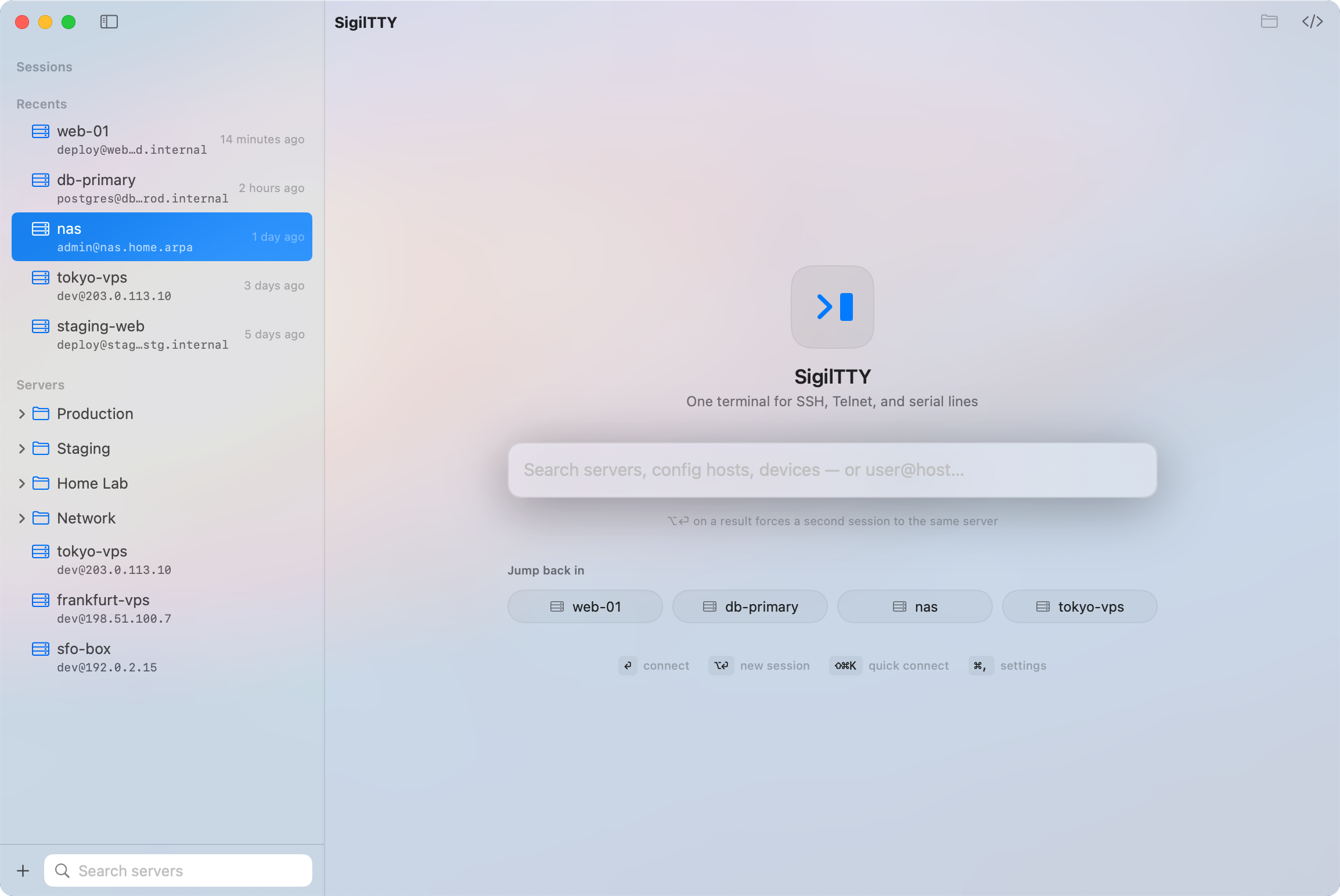
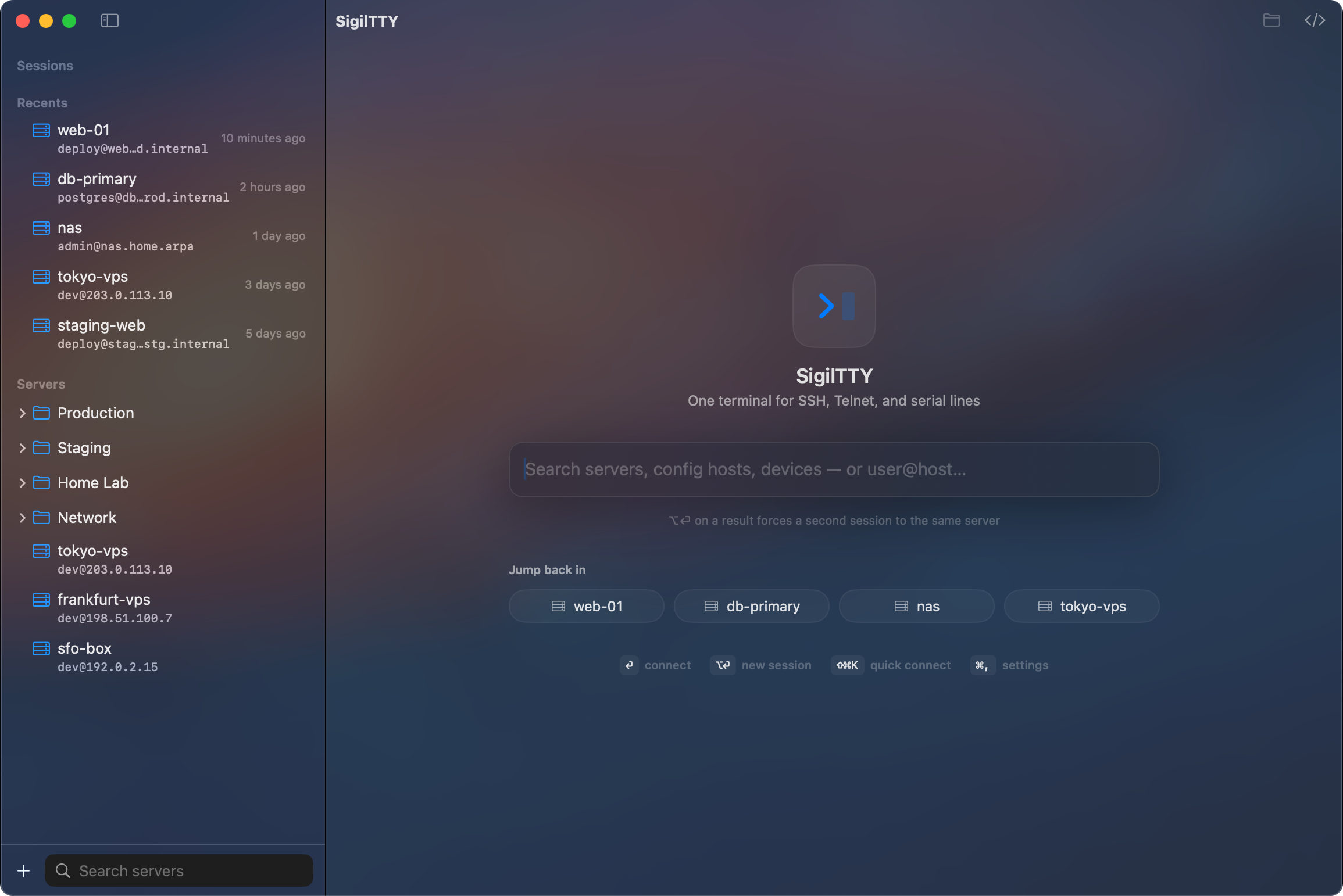
All your servers, one place
Save connection profiles, organize them in nested folders, and jump back into recent sessions. Quick Connect takes a plain user@host when you just need to get in, and snippets keep the commands you repeat one tap away.
A fast, native terminal
The terminal is GPU-rendered by Ghostty and wrapped in a real Apple-native interface. Multiple tabs, crisp text under heavy output, and a UI that feels at home on every Apple screen.
Make it yours
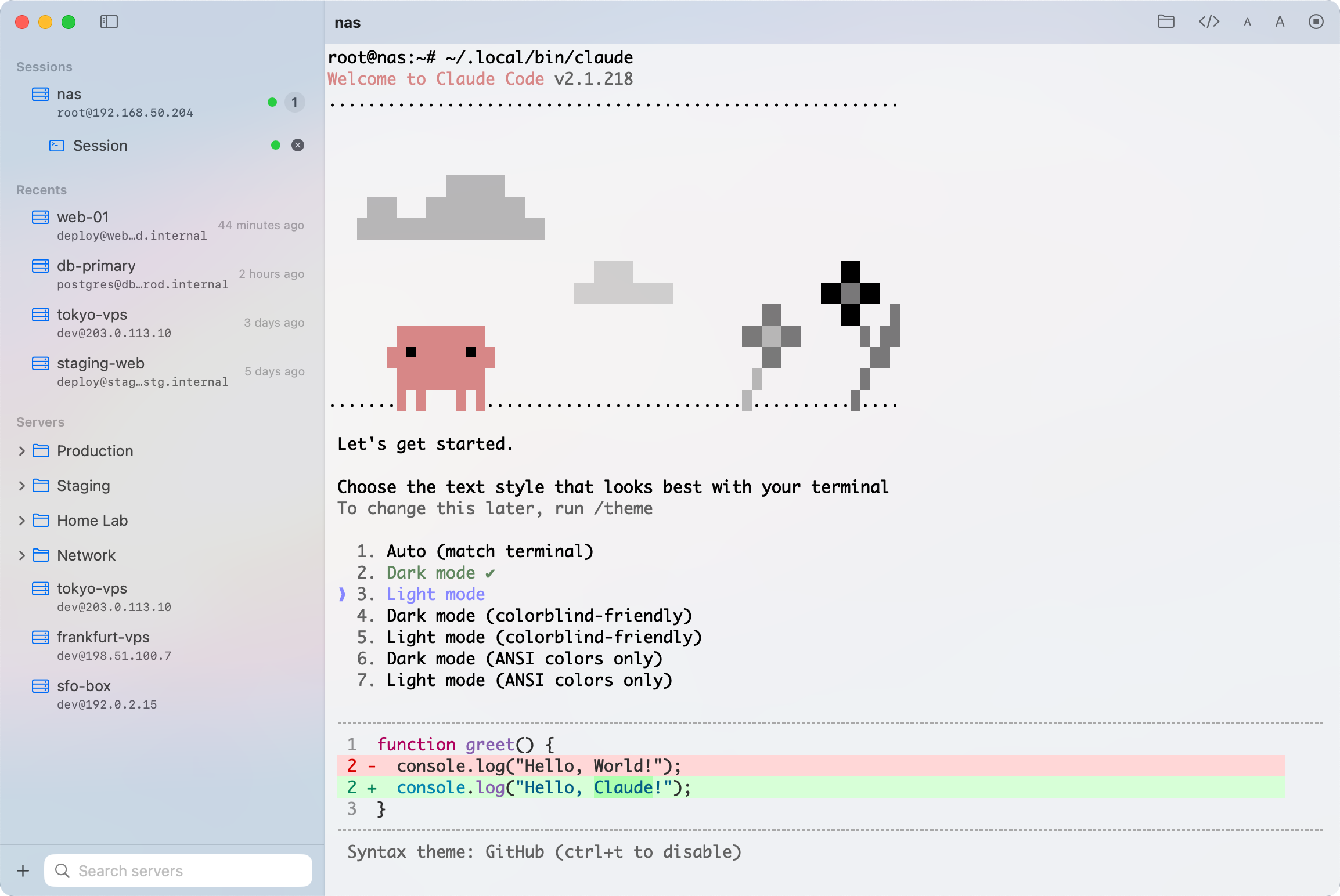
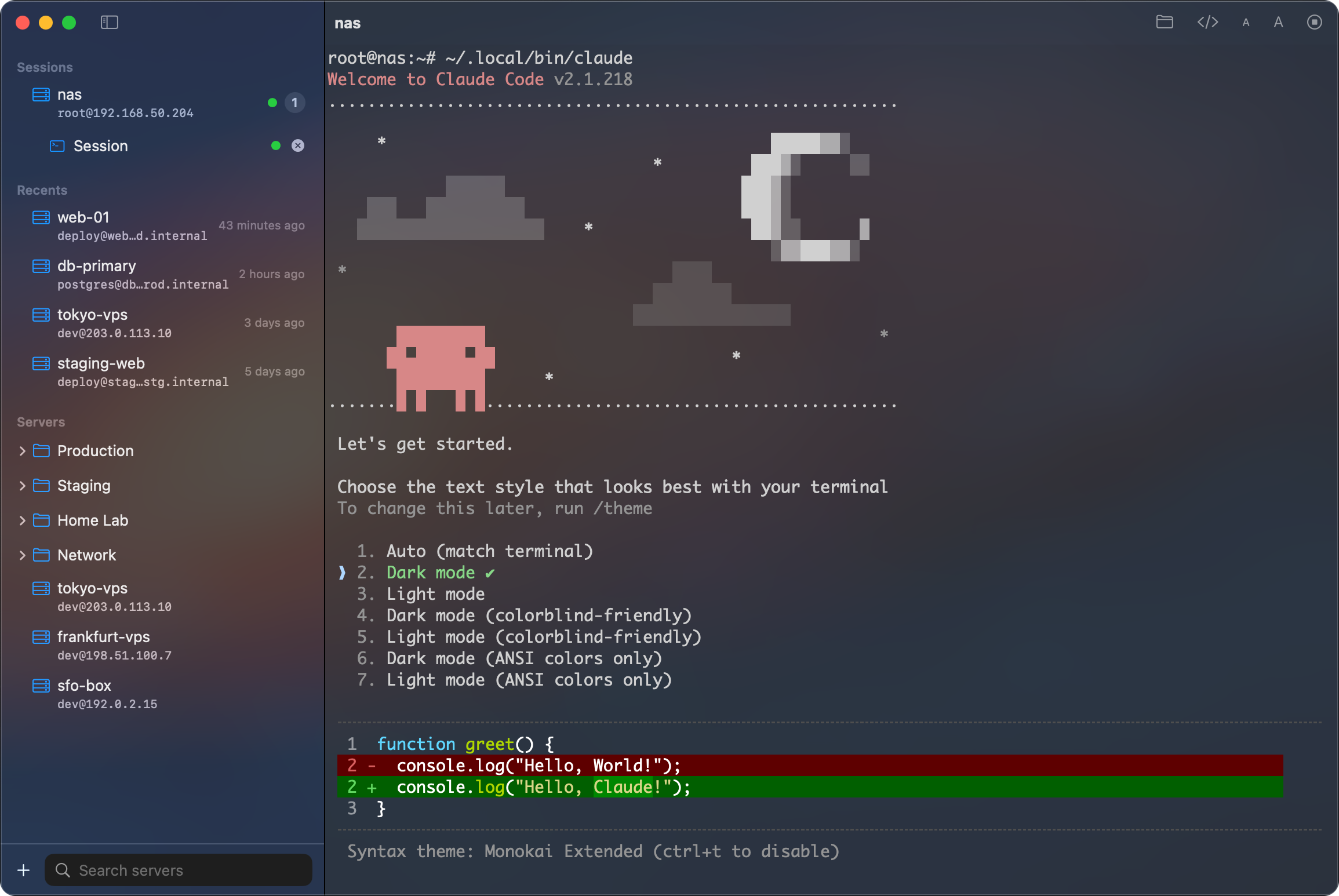
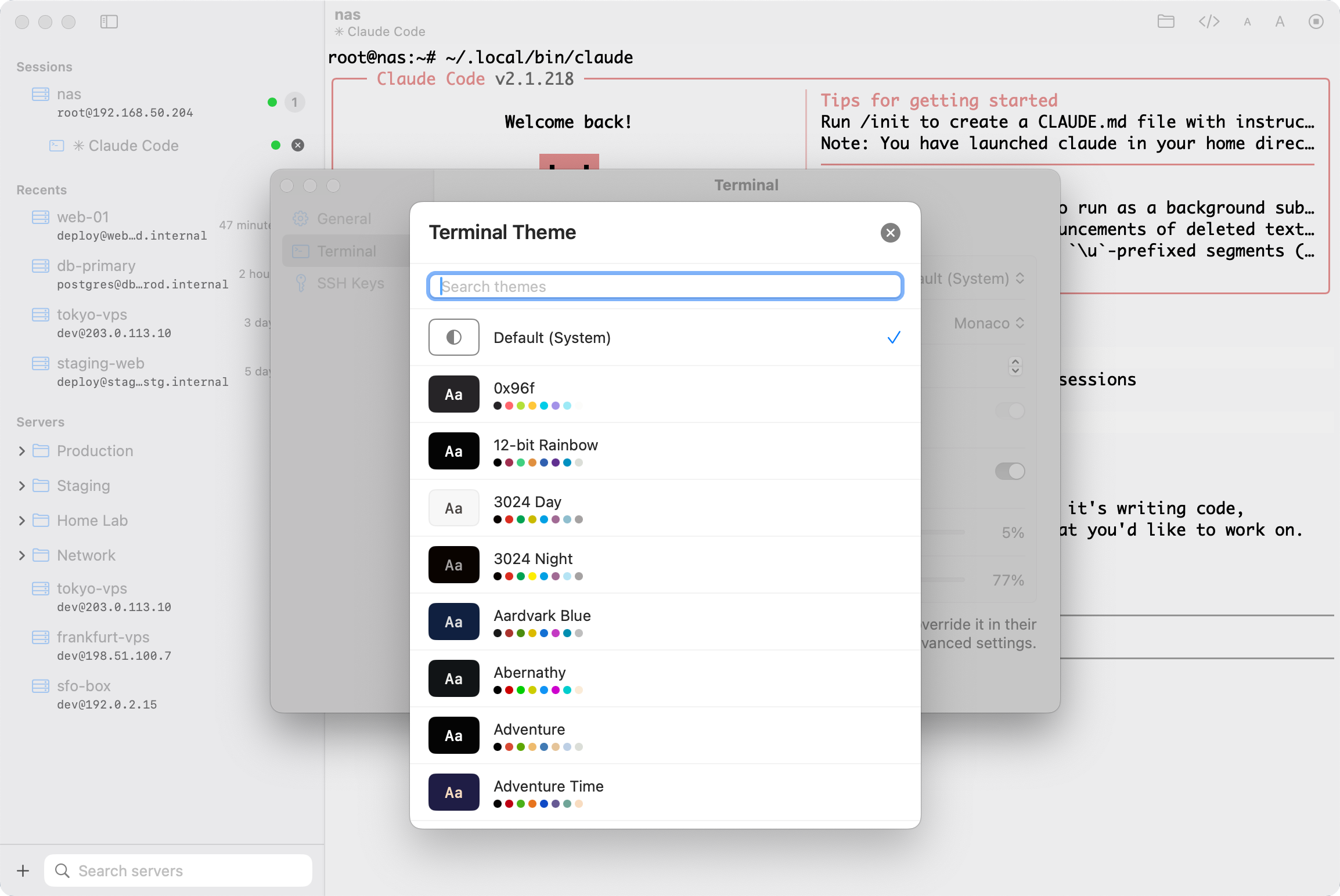
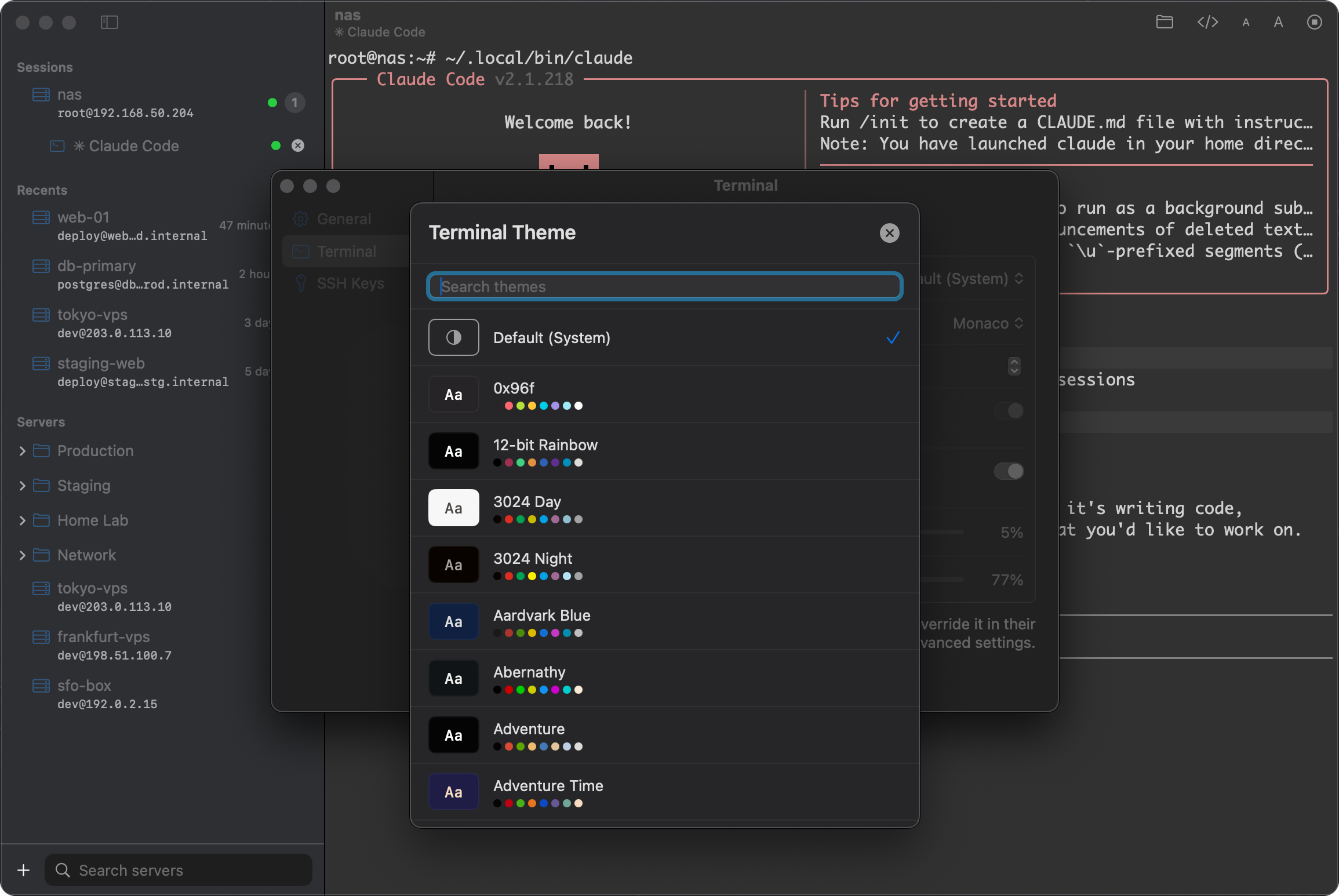
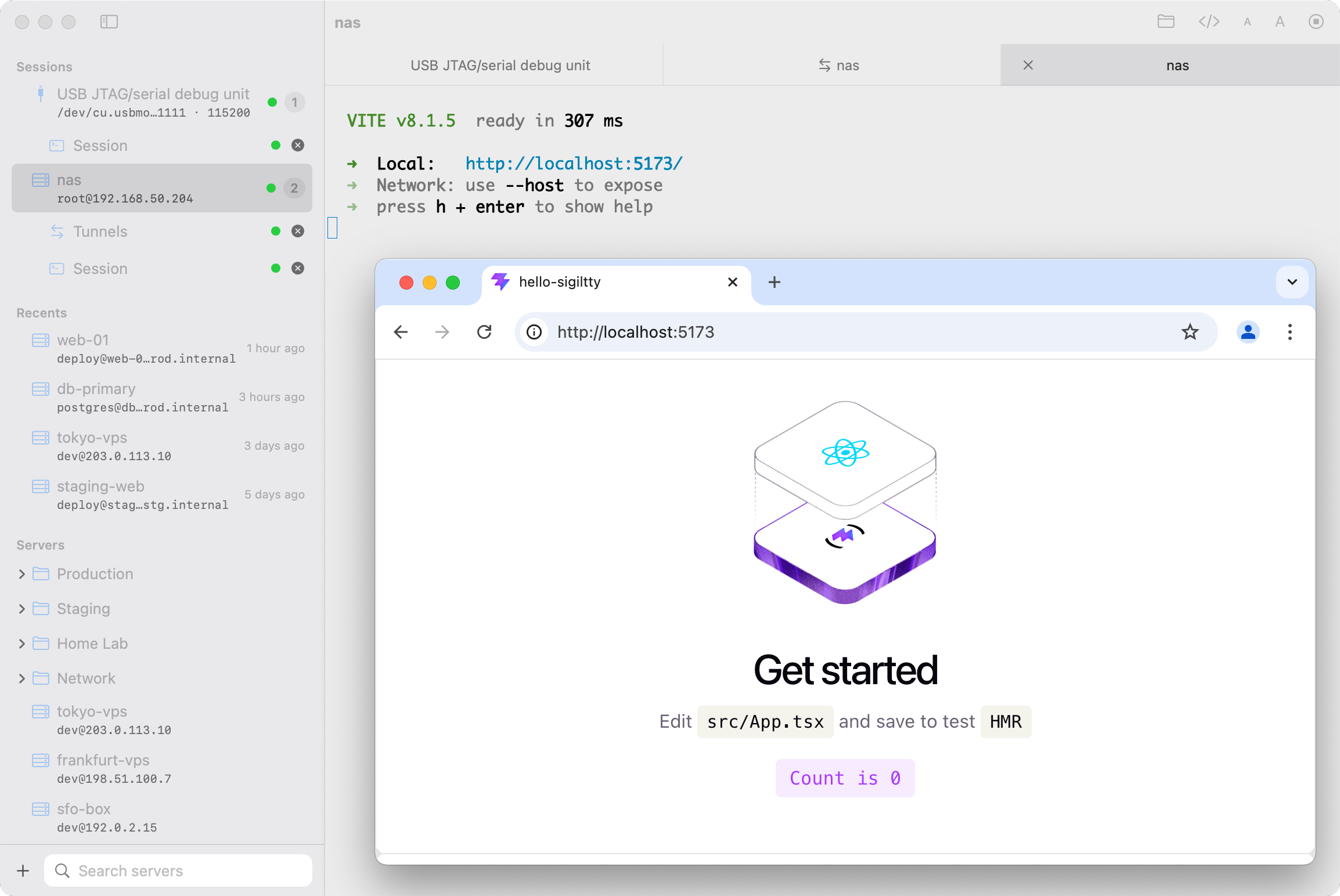
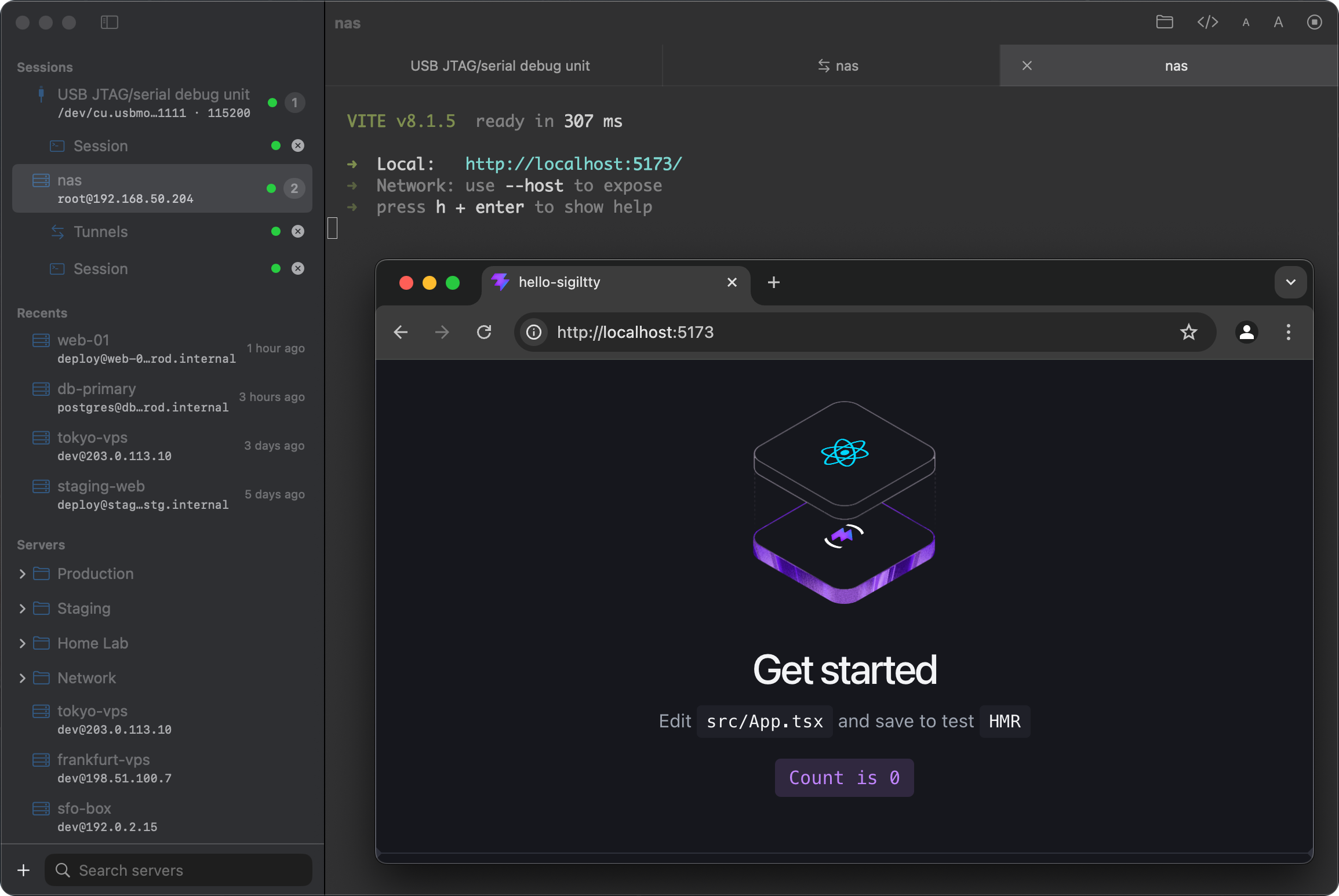
Choose from hundreds of Ghostty color themes and let your pick flow into the sidebar, toolbar and tab bar. Pick your terminal font — including dedicated CJK font selection — and enjoy a glass background on Mac.
Your keys stay yours
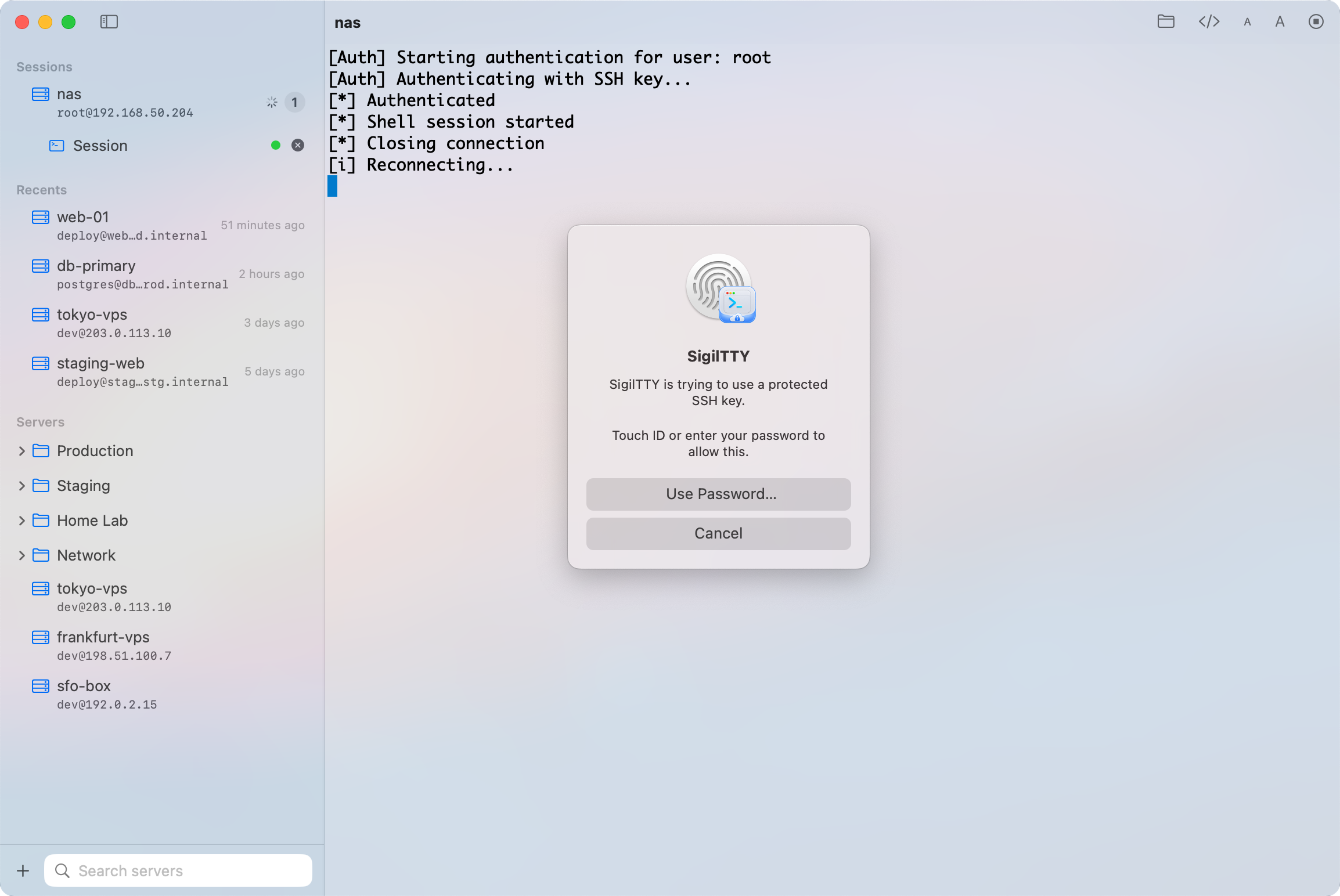
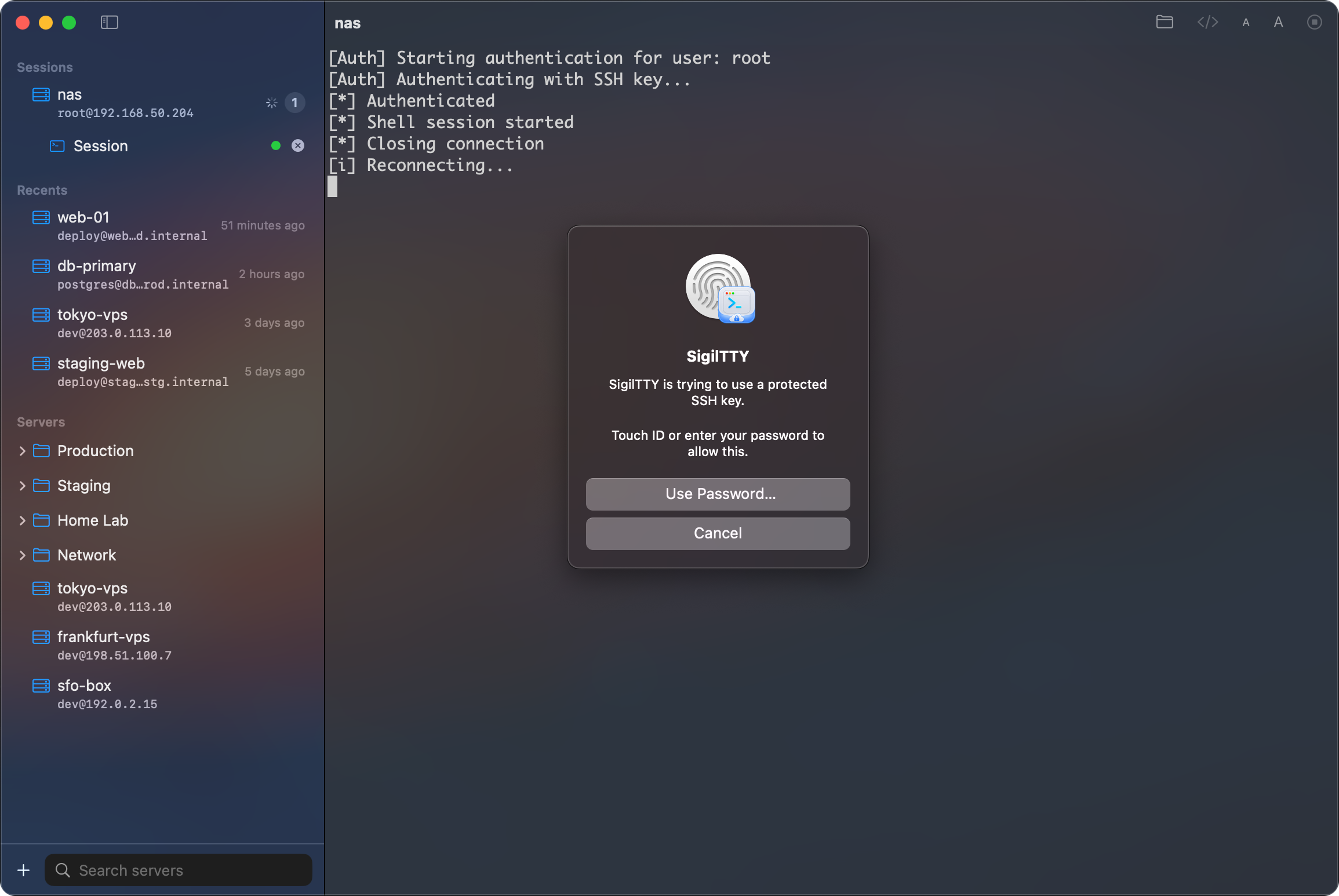
Credentials live in Keychain, never in plain text. Protect private keys with Touch ID or Face ID — protected keys stay on this device by design, and every forwarded agent signature is approved locally before it happens. Or skip software keys entirely and sign with a hardware security key.
From cloud servers to the devices on your desk
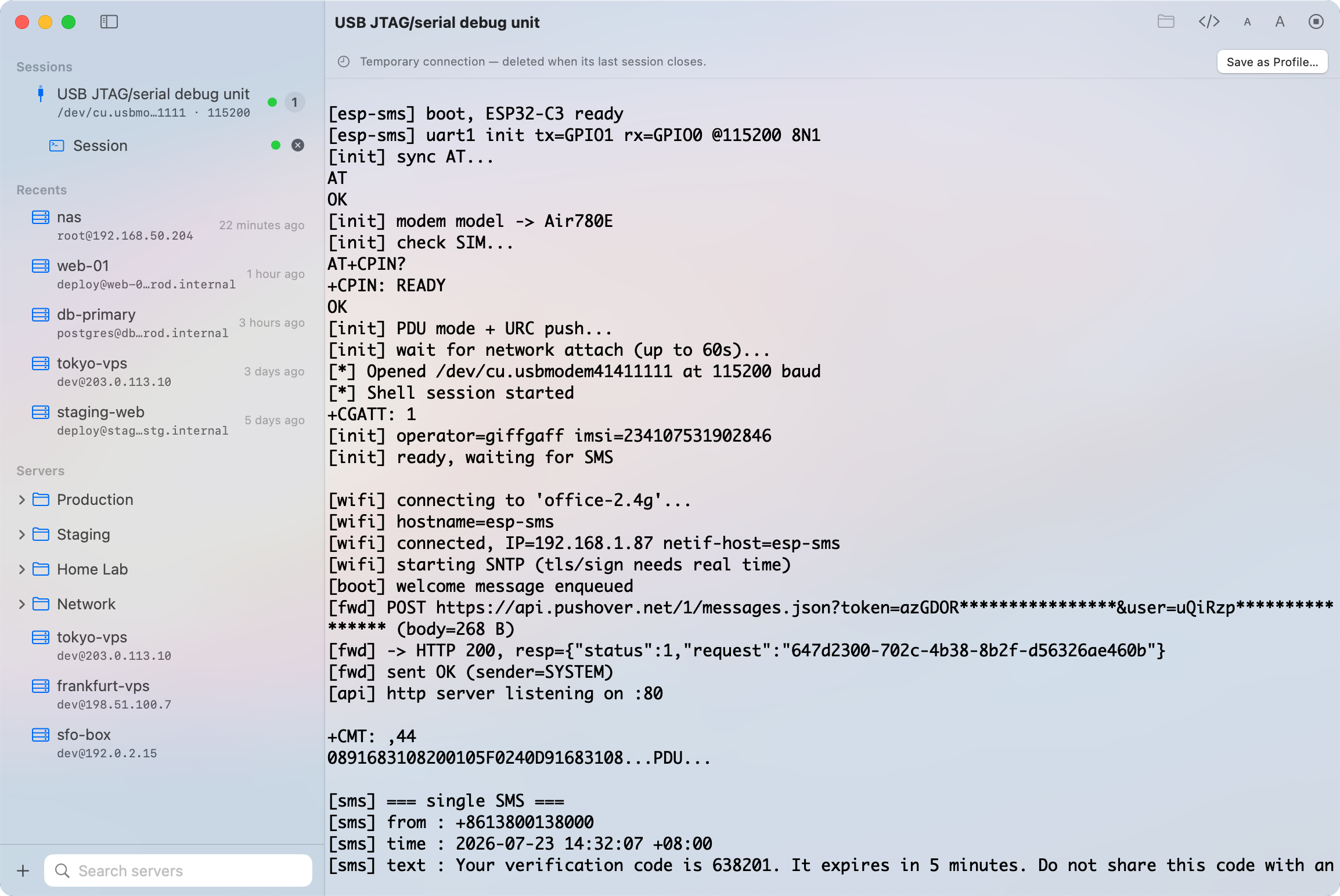
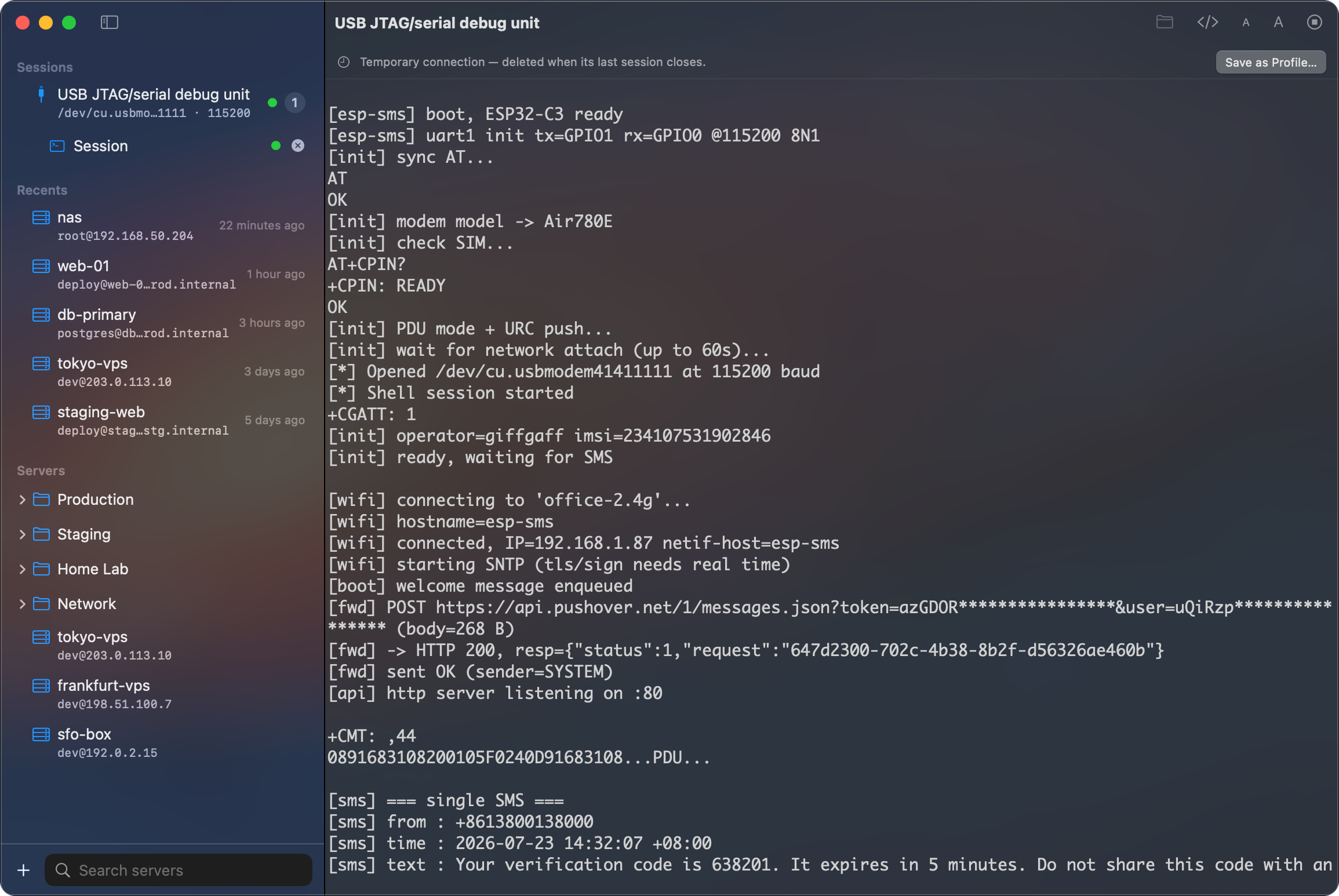
SSH covers your servers, with jump-host chains to reach private networks. Telnet (unencrypted) covers legacy gear. And on Mac, a serial console covers routers, dev boards and USB consoles — Mac only.
Files without leaving your flow
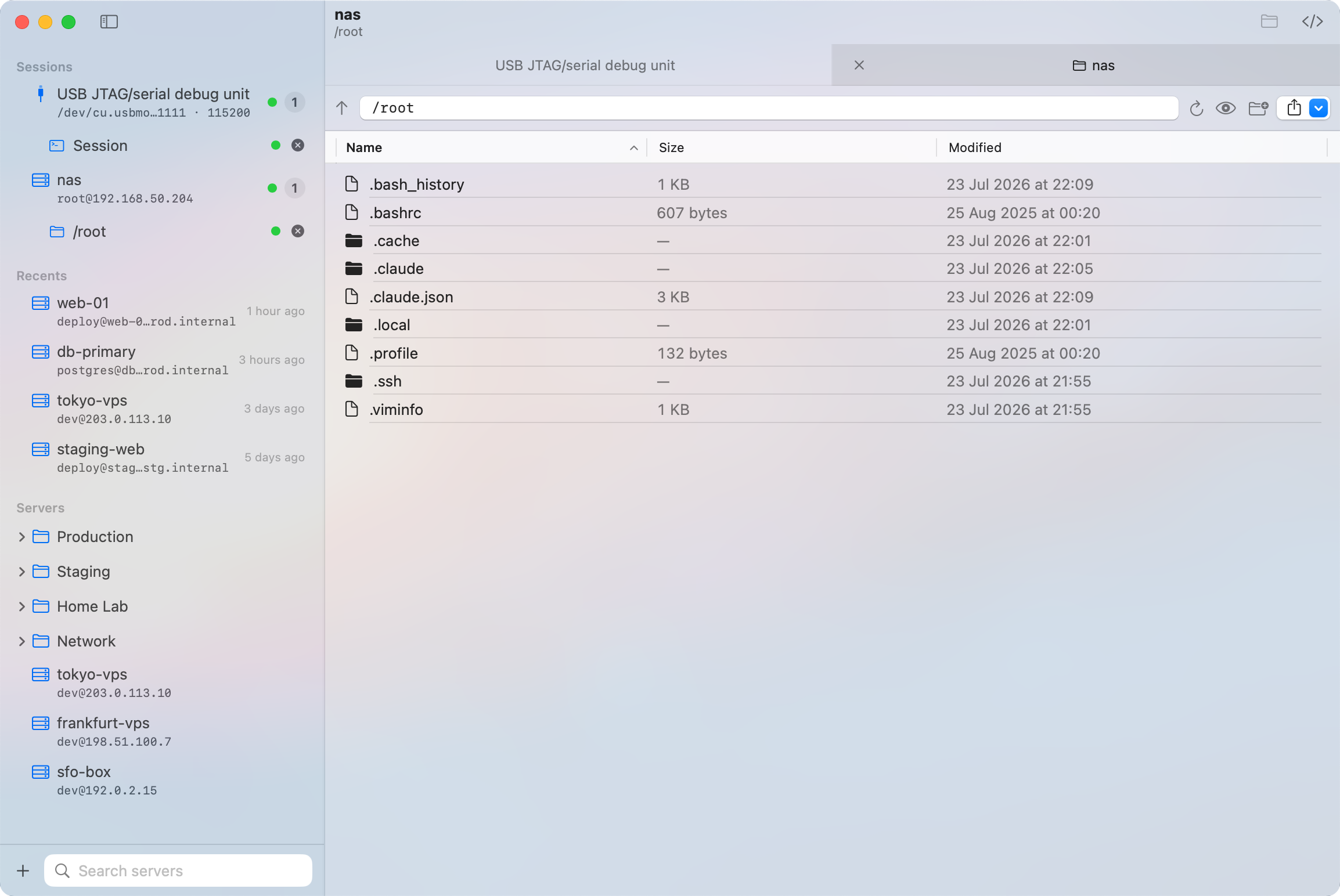
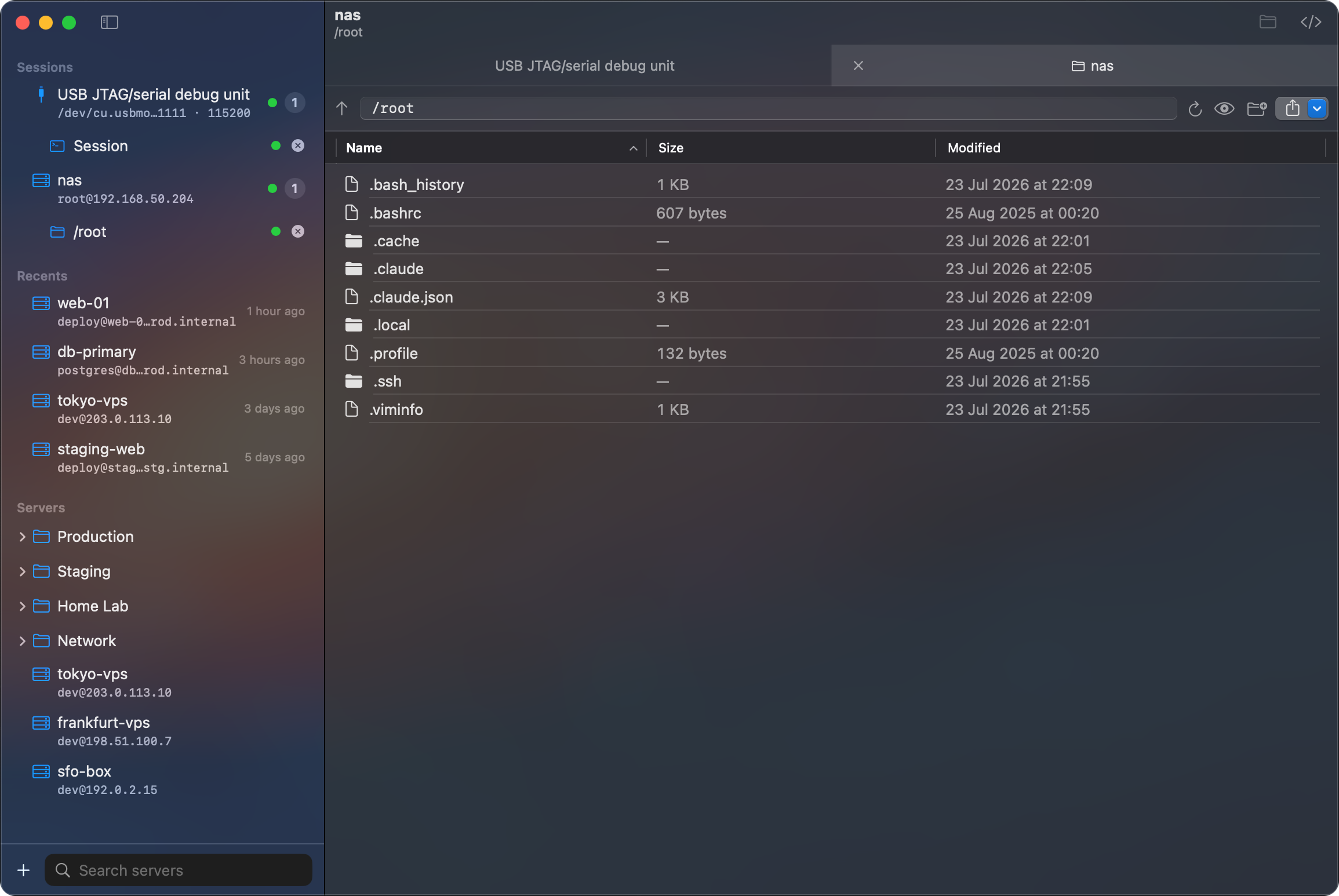
Browse remote files, upload, download, rename and manage directories over SFTP — no shell required. Preview code with syntax highlighting, and images or PDFs with Quick Look, before anything is downloaded. File transfers run in their own SFTP session, separate from your terminal.
Remote services, safely on localhost
Forward local and remote ports in a dedicated tunnel session — no terminal attached, each rule with its own status. A dev server on your remote box shows up at localhost in the browser of your choice.
AI Agents
A command deck for your AI coding agents
SigilTTY attaches to the coding agents that herdr manages on your servers — watch them work, hear about it the moment they need you, and answer from whichever device is in reach.
Attach from any device
Every agent running on a server shows up with a live status badge — attach one and it becomes a regular terminal tab. Agents you have attached to are remembered and synced, so the session you left on your Mac is one tap away on your iPhone.
Know the moment they need you
When an agent blocks on a question or finishes its task, SigilTTY tells you — a tab badge, a Dynamic Island marker, or an offline push that reaches your iPhone even while SigilTTY is closed. Alerts are end-to-end encrypted; our relay only ever sees ciphertext.
Speak instead of typing
Dictate into an agent session from the floating microphone. Bring your own transcription key — OpenAI-compatible, Volcengine or iFlytek — and the transcript is inserted exactly as if you had typed it. Nothing is sent until you press Enter.
Hand files straight to the agent
Paste or drop files into the terminal and SigilTTY uploads them over SFTP, then types the remote path for the agent to read. Screenshots, logs, documents — up to 10 at a time, no scp round-trip.
Agent features talk to herdr 0.8.0 or later on your server, over your normal SSH connection. Offline push is an iPhone and iPad feature.
One workspace, every Apple device
The serial console is Mac only; Live Activity and offline agent push are iPhone and iPad features. Everything else travels with you.
| Capability | Mac | iPhone | iPad |
|---|---|---|---|
| SSH & Telnet | Supported | Supported | Supported |
| SFTP file browser & file preview | Supported | Supported | Supported |
| Local & remote port forwarding | Supported | Supported | Supported |
| Profiles, folders, snippets & iCloud sync | Supported | Supported | Supported |
| Keychain, biometric key protection & Key Handoff | Supported | Supported | Supported |
| Security key (FIDO) sign-in | Supported | Supported | Supported |
| Attach to herdr AI agents & voice dictation | Supported | Supported | Supported |
| Offline push for agent alerts | Not available | Supported | Supported |
| Live Activity for active connections | Not available | Supported | Supported |
| Serial console | Supported | Not available | Not available |
Serial console requires a Mac with a USB serial device.
Frequently asked questions
What are the system requirements?
SigilTTY requires macOS 14 or later on Mac, and iOS 17 / iPadOS 17 or later on iPhone and iPad.
How much does it cost?
SigilTTY is free to download on the App Store. There are no ads, no analytics and no tracking.
Is it available on iPhone and iPad?
Yes. SigilTTY is out now on Mac, iPhone and iPad as a single universal app — one download covers all three, and your profiles, folders and snippets follow you between them.
Can I sign in with a hardware security key?
Yes, from SigilTTY 1.2. Create a FIDO security key inside the app, add its public key to your server, and every connection is authorized by a physical touch on the key — the private key never exists in software. Your server needs OpenSSH 8.2 or later.
What syncs between my devices?
Server profiles, folders, snippets, port-forwarding rules, known hosts and AI agent records sync via CloudKit. Passwords and regular private keys can optionally sync through iCloud Keychain. Biometric-protected private keys deliberately stay on the device they were created on — move them to another device with Key Handoff, an encrypted local-network transfer.
What do I need for the AI agent features?
A server running herdr 0.8.0 or later — SigilTTY talks to it over your normal SSH connection, with nothing else to configure. Right-click a server and choose Herdr Agents to attach. Offline push additionally needs a small helper on the server; SigilTTY deploys and removes it automatically over that same SSH connection.
Does voice dictation need an account?
No. From 1.6.2 dictation can run entirely on your device with Apple’s speech recognition — no account, no API key, and the audio never leaves the device, not even to Apple. Prefer a particular provider? Then it is bring-your-own-key: add an OpenAI-compatible endpoint, Volcengine (Doubao) or iFlytek in Settings with your own API key, and audio goes straight from your device to the service you configured. Either way it is processed in memory and never written to disk, and the transcript is inserted without ever pressing Enter for you.
Can you read my agent notifications?
No. Each alert is encrypted on your server to your device’s key before it leaves, and decrypted on your device. The relay we operate sees an anonymous routing identifier and ciphertext — never which agent, which server, or what happened. You don’t have to take our word for it: the server helper and the relay are both open source at github.com/SigilTTY/sigiltty-relay, and security audits are welcome.
Is Telnet secure?
No — Telnet is an unencrypted protocol and sends everything, including credentials, in plain text. Use it only for legacy devices on networks you trust; use SSH everywhere else.
Can I use a serial console on iPhone or iPad?
No. The serial console is Mac only — it connects to USB serial devices, which iPhone and iPad do not support in SigilTTY.
Put it on every device you own.
SigilTTY is out now on the App Store for Mac, iPhone and iPad — free to download.